


Mirror Link App for Car
3.92.00 Reviews
App Specs
- Version
- 1.0.6
- Updated On
- License
- Free
- Downloads
- 10,000+
- Developer
- Smart Photo Lab
- Categories
- Libraries & Demo
- Platform
- Android
Screenshots
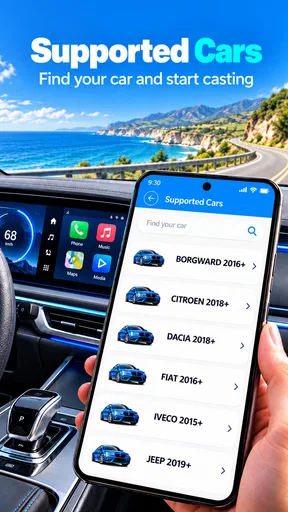
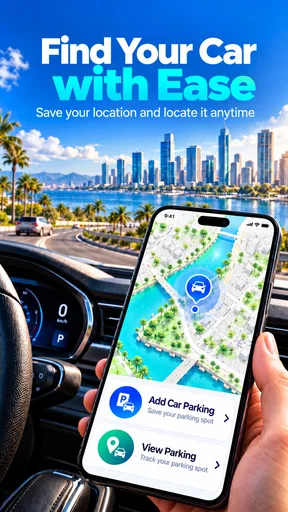
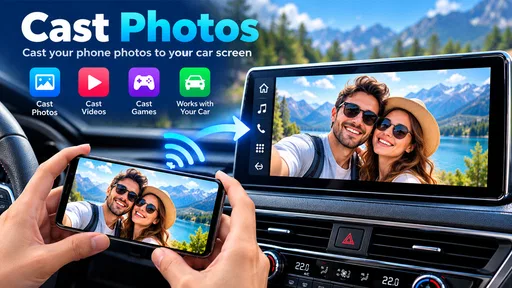
 Analysis by AppCompare
If you’ve ever wished your car’s dashboard could be as smart as your phone, the first question is whether the two can actually communicate. The Mirror Link App for Car is aimed at people who want a phone-to-dashboard display, but the practical details matter more than the promise: your car, phone, cable, and connection all have to cooperate. I’d treat it as a tool to try after checking compatibility, not as a guaranteed way to add the same features to every vehicle.
Where setup can get stuck
Mirror Link sounds simple, yet “connect the phone to the car” can mean different things across vehicles. A dashboard may have a USB socket for charging but not support phone mirroring; a cable may transfer power without carrying the connection the car needs. So before installing, check the vehicle’s manual or infotainment settings for phone mirroring support, and confirm that your phone’s operating system and connection method are suitable. This quick check can save you from mistaking a compatibility issue for an app failure.
When a connection does not appear, I would troubleshoot in a calm order: park safely, unlock the phone, reconnect the cable, and look at the car’s source or phone-projection menu. If the phone only charges, try a known data-capable cable and another supported USB port if the vehicle has one. Avoid changing settings or handling the phone while driving. These are general checks, not a promise that every car supports the same route to mirroring.
Small checks that make a real difference
Before a first trip, test the setup while parked and give yourself time to read any prompts on both screens. Keep the phone charged, close apps you do not need, and set your destination before moving. If you depend on navigation, download any offline map information offered by your chosen navigation service in advance; a mirror connection does not create mobile coverage where there is none.
It is also worth separating three things that can look like one problem: the phone-to-car connection, the app or display interface, and the online service you are trying to use. A blank dashboard points to a different issue from a map that loads slowly or audio that cuts out. Noting which part fails helps you choose a useful next check rather than repeatedly reconnecting everything.
Setting Up: A Simple Process?
First things first, getting started with the Mirror Link App for Car was surprisingly easy. After downloading it from the app store, I was guided through a straightforward setup process. The app provides clear instructions, ensuring even the least tech-savvy among us can get things up and running without a hitch. All you need is a compatible car and a USB cable to connect your phone to the dashboard.
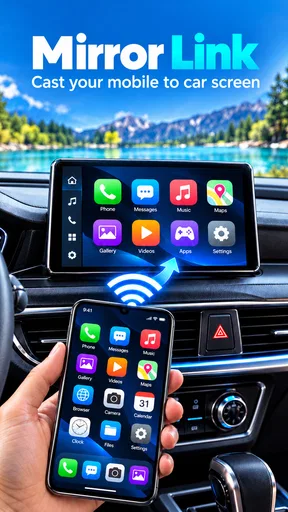
Once connected, the app’s interface is mirrored directly onto the car’s screen. It’s like having your phone on a bigger display, but with a focus on safety and ease of use while driving. I was impressed with how quickly the app recognized my device and started mirroring.
Worth Reading Before You Choose

Flipboard Shows What News Apps Must Do Beyond the Feed

Switching to Android Auto Means Rethinking Your Driving Routine

Google Calendar Makes a Crowded Week Easier to Manage

Ludo King Makes the Most of the Minutes Between Plans

Baby Panda World Brings Quick Play to Modern Phones, but Its Game Library Feels Busy

ESPN’s Live Game View Makes Following Close Games Easier
Features That Stand Out
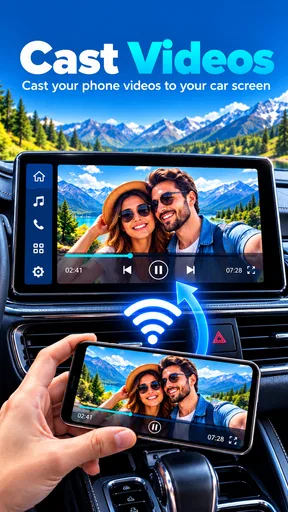
What I loved most about the Mirror Link App is how it integrates core smartphone functionalities into the driving experience. You can access navigation apps, play music from your favorite streaming services, and even respond to messages without taking your eyes off the road. Here are a few features that really stood out:
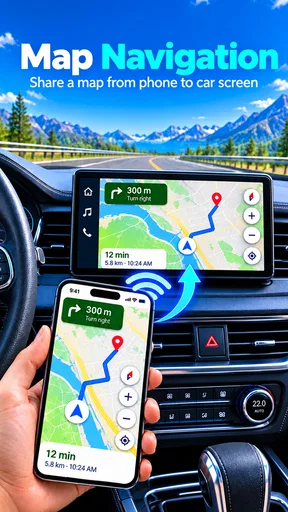
- Navigation Made Easy: The app supports popular GPS apps, giving you real-time traffic updates and route suggestions directly on your car’s screen.
- Music Streaming: Whether you’re a Spotify enthusiast or prefer Apple Music, you can control your tunes seamlessly.
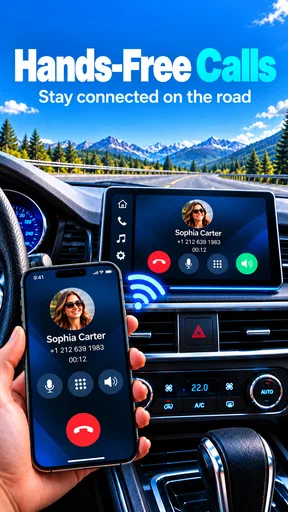
- Hands-Free Communication: Voice commands make it easy to send texts or make calls, which is a huge plus for safety.
Having these capabilities at your fingertips is a game-changer, especially on long drives where you need entertainment and navigation to be effortless. I would still set a route and playlist before pulling away, then use voice controls only when they are supported by the connected phone and vehicle. A larger display can make information easier to glance at, but it does not make every interaction safe while moving; anything that needs careful reading or typing can wait until you are parked.
Performance on the Road
So, how does the app perform when you’re actually out on the road? Pretty well, in my experience. The screen responsiveness is top-notch, with minimal lag between your phone and the car’s display. The interface is user-friendly, which is crucial when you’re driving and need to make quick adjustments.
However, I did notice that the experience can vary depending on your car model and the quality of your USB connection. Some older cars might not fully support all features, which is something to keep in mind. But for those with compatible systems, it’s smooth sailing.
When the app may not be the cause
If mirroring starts successfully but a particular service behaves badly, I would not immediately blame the display app. Navigation updates and streaming rely on the services and network connection behind them, so weak mobile reception can interrupt those tasks even when the phone remains connected to the dashboard. Likewise, audio output can depend on the car’s selected source and audio settings. Checking those separately is more useful than treating every hiccup as a failed mirror connection.
A practical recovery routine is to pull over, stop the vehicle, and then reconnect or restart the relevant screen or app. If the issue returns, test one thing at a time: the cable, the car’s selected input, and the phone connection. That makes it easier to spot a repeatable cause. I would not troubleshoot by repeatedly unplugging the phone or navigating menus while driving; convenience is not worth the distraction.
Things to Keep in Mind
While the Mirror Link App offers a lot, it’s not without its limitations. One thing to be aware of is that not all apps on your phone are supported. The app focuses on enhancing driving safety, so only compatible, safe-to-use apps are mirrored. This means no social media distractions, which, honestly, isn’t a bad thing when you’re behind the wheel.
Also, the app relies on a stable internet connection for certain features like streaming and real-time navigation updates. So, if you’re in an area with spotty reception, you might experience some hiccups.
For an ordinary commute, the strongest case is convenience: connect before leaving, open navigation, and keep the phone out of your hand while you follow the route. On a longer drive, a passenger can help choose music or adjust a destination while the driver stays focused. If your main need is simply audio, Bluetooth may be the simpler choice. If you want a manufacturer-supported projection system and your car already offers one, using that built-in option may be more dependable than adding another layer.
This is also where expectations matter. A mirroring app cannot turn an unsupported dashboard into a compatible one, and it cannot guarantee that every phone app will appear. I would skip it if you need an all-purpose screen clone, if your car has no supported mirroring path, or if you are happy with the navigation and audio controls already built into your vehicle. It makes more sense for someone who has compatible equipment and wants to explore phone-based display options without paying upfront.
Who it suits, and what to expect
Mirror Link App for Car is a free app in the Libraries & Demo category from Smart Photo Lab, with optional in-app purchases listed at $1.99 per item. It is rated for Everyone and has an average rating of 3.8 from around 422 ratings; more than 10,000 installs suggest that people are trying it, though those figures do not tell you whether it will work with your particular car. The app is at version 1.0.4 and is listed for devices running Android 9 or later.
That makes it a reasonable low-cost experiment if you already have a compatible setup, but I would not buy accessories or change my driving routine on the assumption that installation alone guarantees mirroring. The two reviews currently available offer little basis for judging a broad range of vehicles, so your own parked compatibility test is the most useful next step. Keep any optional purchase in perspective: paying for an item cannot resolve a mismatch between a phone and a car.
Wrapping It Up
All in all, the Mirror Link App for Car delivers on its promise of making your car’s infotainment system smarter and more intuitive. It’s perfect for those who want to bring their smartphone’s convenience to their driving experience safely. The setup is easy, the interface is user-friendly, and the features are tailored to enhance safety and connectivity on the road.
Whether you’re a tech enthusiast or just someone looking to make your daily commute a bit more enjoyable, this app is worth checking out. Just make sure your car is compatible and you’ve got a solid internet connection, and you’ll be good to go.
So, if you’re ready to transform your car into a smart driving companion, the Mirror Link App is just a download away. Happy driving!
Pros
- Seamlessly integrates phone apps with car display.
- Supports a wide range of Android and iOS devices.
- Improves driving safety by minimizing phone handling.
- User-friendly interface with easy navigation.
- Reduces battery consumption during usage.
Cons
- Limited compatibility with older car models.
- Some apps may have restricted functionality.
- Occasional connectivity issues can occur.
- Requires stable internet for optimal performance.
- Frequent updates needed for smooth operation.
FAQs for Mirror Link App for Car
What is the Mirror Link App for Car, and how does it work?
The Mirror Link App for Car is designed to seamlessly connect your smartphone to your car’s infotainment system. It allows you to mirror your phone’s display onto your car’s screen, enabling access to navigation, music, and calls. This is achieved through a compatible USB connection or Bluetooth, depending on your vehicle's capabilities.
Is the Mirror Link App compatible with all smartphones and cars?
Compatibility varies widely. Not all smartphones and vehicles support Mirror Link technology. It is essential to check whether your phone model and car's infotainment system are compatible. Typically, most recent Android devices support this feature, while iOS devices may require alternative solutions like Apple CarPlay.
Does using the Mirror Link App for Car affect my phone’s battery life?
Using Mirror Link can impact battery life, as the app requires constant connectivity and screen mirroring. It is advisable to use a charger while driving to ensure your phone remains powered. Most cars with Mirror Link capability have built-in charging ports that can be used simultaneously.
Are there any safety concerns while using Mirror Link App while driving?
Safety is a priority, and Mirror Link is designed to minimize distractions by providing a simplified interface. However, it is crucial to use the app responsibly. Avoid interacting with your phone while driving and utilize voice commands or steering wheel controls to maintain focus on the road.
How do I troubleshoot if the Mirror Link App is not working?
If the app is not functioning, ensure your phone and car are compatible and updated with the latest software. Check the connection—USB or Bluetooth—to ensure it is secure. Restarting your phone and car system may resolve minor glitches. Consult your car’s manual or contact support if problems persist.


